Computer vision that clocks in

VisaRoxy turns existing cameras into autonomous workers.

The platform reads live video from the cameras you already run, applies your operating rules, and takes action in the seconds that matter. It is built for the operations, safety and security teams who own a plant, a yard or a distribution centre.

Deploys on your existing IP cameras. Runs on-premises, in your VPC, or in a managed cloud tenancy.

Loading Dock Sentinel

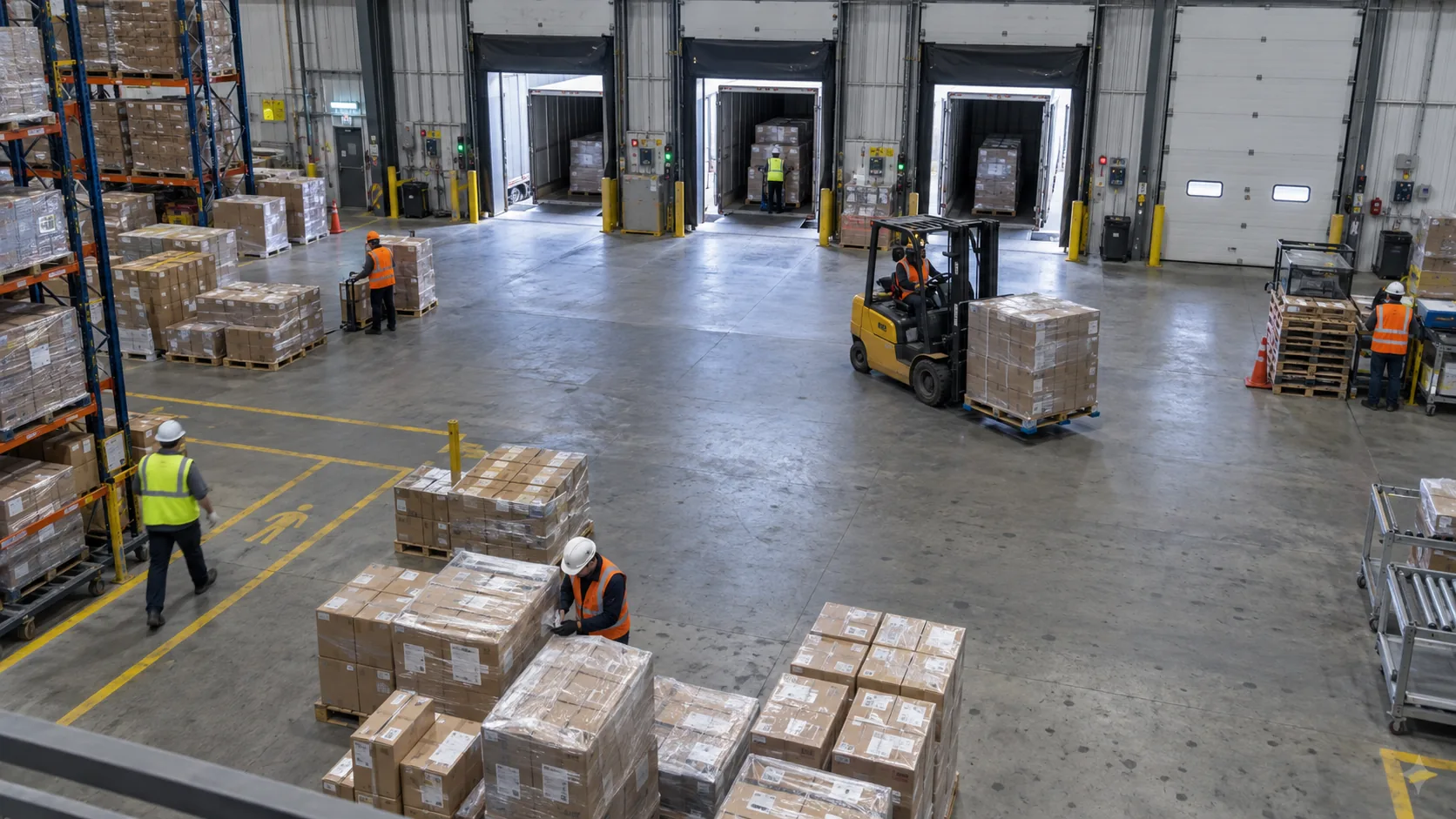
Dock 04 · Receiving · 4 cameras

Live 14:32:08
Zone map — Dock 04 Overhead camera view of a warehouse loading dock with pallets, workers and a forklift.

Event log

  • 14:32:08 Forklift entered pedestrian walkway Alert sent — supervisor notified
  • 14:31:17 PPE verified at Dock 04 Logged only
  • 14:28:03 Dock queue over 5 minutes Warning raised
  • 14:24:11 Trailer 204 arrived at D-03 Ticket updated

Illustrative interface with sample data.

What a VisaRoxy deployment looks like

No rip-and-replace

Cameras, mounts, switches and cabling stay exactly where they are. VisaRoxy reads the stream.

Runs where video lives

Edge appliance, your private cloud, or a managed tenancy. Video does not have to leave your network.

Rules in plain language

Conditions, thresholds and schedules a supervisor can read and edit without a data team.

One agent per job

Each camera or zone gets a named agent with its own watch list and escalation path.

The gap

A camera records everything and decides nothing.

Most sites are already covered by video. The coverage is not the problem. The problem is that deciding what matters still happens in a person's head, hours after the moment has passed.

Motion alerts were the first attempt to make video useful, and they failed on volume. A camera cannot tell a pallet that has been parked in a fire lane from a shadow crossing the same patch of floor, so it reports both. Within a week an operator learns to ignore the queue, and the queue is where the real event was hiding.

Count it yourself. Forty cameras, one motion rule each, a ten-hour shift. Even at a handful of triggers per camera per hour that is several hundred notifications before the second break, and nobody was hired to clear them. The events that matter — a forklift in a pedestrian walkway, a spill nobody has coned off, a dock queue that has stopped moving — look exactly like the ones that do not.

The backup habit is review. Someone pulls footage after an incident and scrubs a timeline looking for the ninety seconds that explain it. That works, and it also means the site only learns about a problem once it has already become a cost: a delay, an injury, a failed audit, a customer claim.

What the shift actually needs

A named event, in a named zone, at a known time, with a severity, delivered to the person who can act — while the trailer is still at the dock.

The VisaRoxy platform

From pixels to decisions, in one continuous loop.

Every agent runs the same three stages, many times a second, on every stream it watches. You configure the middle stage. The other two are the platform's job.

01 · Understand

Turn video into operational context

The model separates the scene into the objects and areas your operation already thinks in — people, vehicles, equipment, doors, and the zones you have drawn — and tracks how each one moves between frames.

  • People, vehicles and equipment
  • Zones, lanes and door states
  • Safety equipment and custom objects
  • Motion over time, not just presence
02 · Decide

Apply rules, context and business logic

A rule is a sentence with a condition, a threshold and a schedule. The engine evaluates it against what the scene actually contains, which is why it can hold an event back during a planned delivery window and still raise it at 02:00.

When dock congestion exceeds 8 minutes during operating hours
then trigger an alert and notify Supervisor

03 · Act

Take action automatically

An event that nobody receives is a log line. Agents push confirmed events into the systems a site already runs, so the response starts without someone relaying a message.

  • Send alertNotify a team in real time
  • Open ticketCreate a request in your ITSM
  • Call webhookReach your existing tools
  • Pause lineSignal connected equipment

Capabilities

Give every camera a job description.

An agent is a camera or zone plus a written description of the job: what to watch, what counts as a problem, and who to tell. Five capabilities make up that job.

Agent workspace

Loading Dock Sentinel · Dock 04 · Receiving

Active

Observed in this scene

Objects tracked

  • People — 6 in frame
  • Forklifts — 1 in walkway
  • Trailers — 2 on apron

Zones drawn

  • Dock apron
  • Pedestrian walkway
  • Staging area

Excluded

  • Welfare entrance
  • Neighbouring yard

Scene understanding runs on the camera's own stream. Nothing is re-cabled and no additional sensor is fitted to the door, the forklift or the walkway.

Event definition

Event name

Vehicle in pedestrian walkway

Severity

High — safety

Condition

Any vehicle class inside walkway zone

Threshold

Persists longer than 3 seconds

Schedule

All hours, every day

Deduplication

One event per vehicle per 5 minutes

The threshold is what removes motion noise. A shadow crosses the walkway in under a second and never becomes an event; a forklift stays for four and does.

Agent configuration

Cameras assigned

  • Dock 01 — Entrance
  • Dock 02 — Shipping
  • Dock 04 — Receiving
  • Dock 03 — Yard

Escalation path

  • Shift supervisor
  • Site safety lead
  • Duty manager

Ownership

Owner: Operations team

Last edited

Changed threshold 3s → 4s

Agents are named after the job, not the camera. A site can retire a camera, swap a model, or move a lens and keep the same agent watching the same zone.

Actions on this event

Immediate

  • Alert shift supervisor
  • Trigger walkway beacon

Record keeping

  • Open safety ticket
  • Post to site webhook

Only if unacknowledged

  • Escalate after 2 min
  • Call duty manager

Each action is configured per event type, so a safety event can interrupt a shift while a housekeeping observation waits for the daily summary.

Search events

Zone: Dock 04 · Between: Tue 06:00 – Tue 09:00 · Event: any safety severity

  • Tue 08:41 Vehicle in pedestrian walkway Alert sent · acknowledged 08:43
  • Tue 07:56 Pallet stacked above sightline Warning raised
  • Tue 06:12 Dock door closed during scheduled window Logged only

Results return as events with a clip attached, which is what turns an incident review from an afternoon of scrubbing into a two-minute lookup.

The difference

A camera already detects motion. That is not the hard part.

The hard part is deciding which movement deserves a person's attention, and getting that decision to them before it stops mattering.

Motion detection built into a camera compared with a configured VisaRoxy agent.
Question Camera motion detection VisaRoxy event
What triggers it A change in pixels inside a rectangle you drew on one camera. A named condition across objects, zones and time — a vehicle inside a walkway for longer than three seconds, evaluated on every camera that covers the zone.
What you receive A notification that something moved. A timestamp and a camera number. An event with a name, a zone, a severity, a duration and the clip around it.
Who decides it matters Whoever is looking at the screen at that moment. The person receiving the alert, after the fact. The rule, agreed in advance with the team that owns the zone.
Where it goes next Nowhere, unless someone forwards it. A phone notification or a VMS bookmark. A ticket, a webhook, a beacon, an escalation path — or nothing but a log line.
Behaviour over a shift Volume rises until the alerts are ignored. Sensitivity is turned down until the useful events stop too. Thresholds and schedules are tuned per zone, and every event carries the context to judge it.
Reviewing last Tuesday Scrub a timeline and hope. Pull footage by camera and hour, then watch it. Query by zone, event type and time range; open the matching clips directly.

Who it is for

The people who already own the floor.

VisaRoxy is bought by operations, not by a data science team. Each role below gets a different first agent, and each one is measurable inside a pilot.

  • Operations and shift managers

    You are accountable for throughput and you find out about a bottleneck when the numbers arrive the next morning. A dock queue agent tells you the moment a lane stops moving, with the clip that shows why.

    • Dock turnarounds
    • Queue length
    • Idle equipment
  • Safety and EHS leads

    Walkway breaches, missing protective equipment and blocked exits are the events you investigate after they are reported. An agent that watches for them continuously turns near-misses into a record you can act on before an audit finds it.

    • Pedestrian segregation
    • PPE compliance
    • Blocked egress
  • Security and loss prevention

    Perimeter, yard and out-of-hours coverage usually means a wall of monitors and a guard's attention split across all of them. Triage by event type lets a small team cover more ground without watching more screens.

    • Perimeter breach
    • Out-of-hours movement
    • Asset staging
  • Plant, IT and network engineering

    You are the team asked to make it work without opening the network to a vendor. VisaRoxy deploys into an environment you choose, reads streams you already publish, and reaches outward only through the endpoints you allow.

    • On-premises or VPC
    • RTSP and ONVIF
    • Outbound webhooks
  • Continuous improvement and lean teams

    Time studies and gemba walks give you a snapshot on the day you stood there. Continuous observation gives you the same measures on every shift, which is what makes a before-and-after comparison mean anything.

    • Cycle observation
    • Standard work
    • Shift comparison
  • Multi-site operations directors

    You need one picture across sites that were built at different times by different teams. Because the platform reads whatever cameras are already installed, a standard set of agents can be applied to a new site without a re-fit.

    • Common agent library
    • Per-site rules
    • Comparable reporting
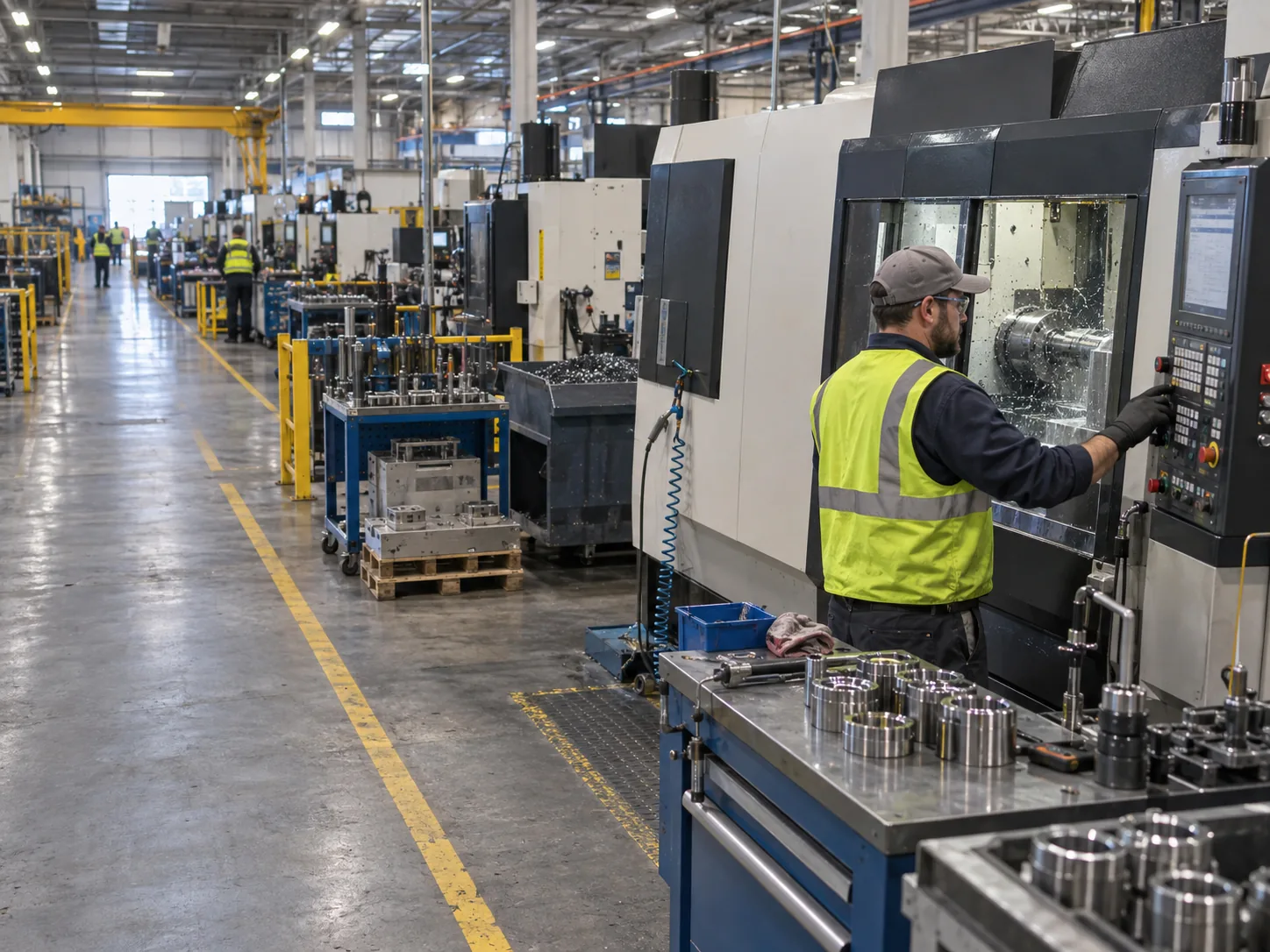
Operator working at a CNC machining cell on a manufacturing floor.
ManufacturingProduction lines, work cells and safety zones
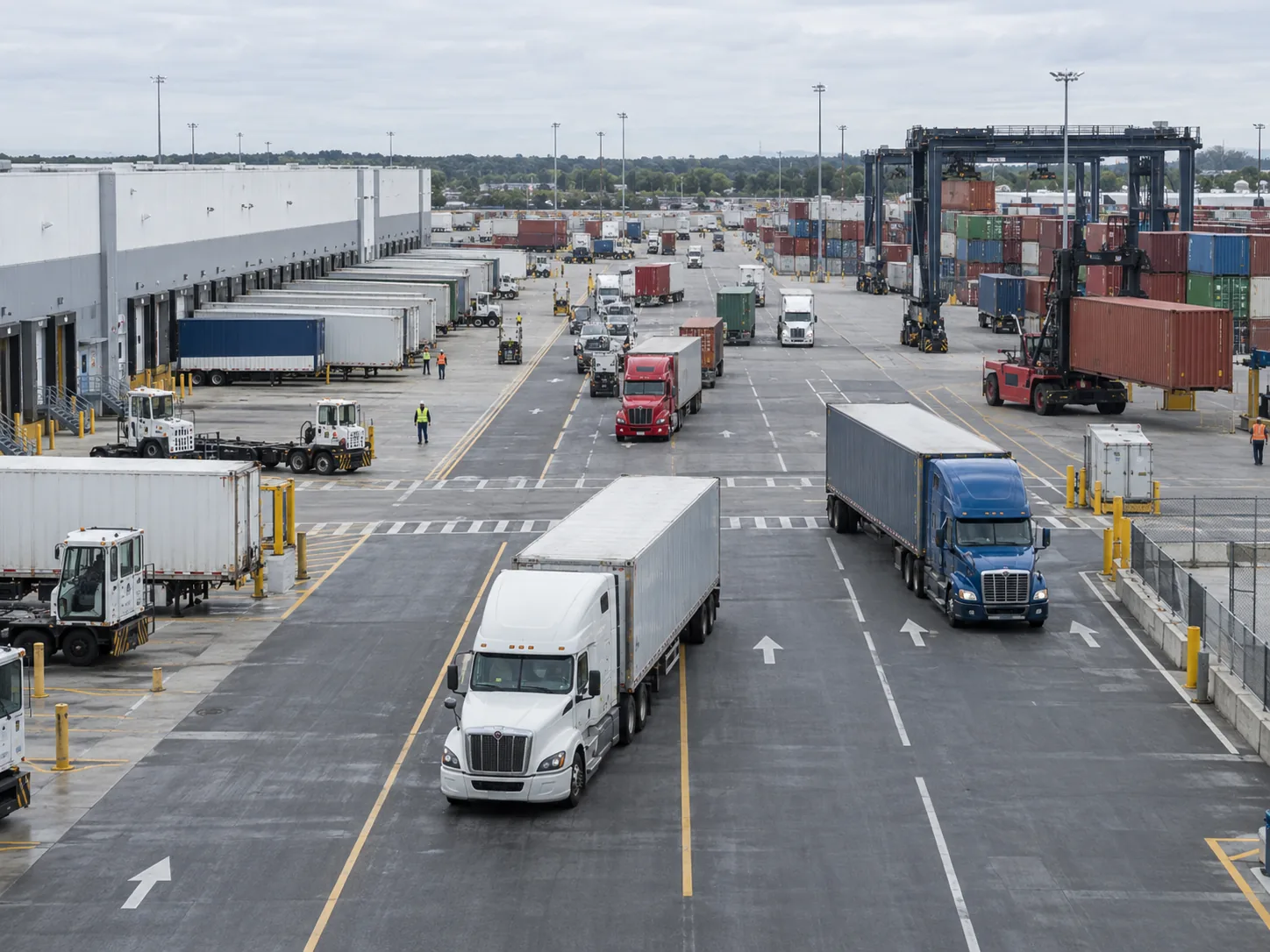
Busy logistics yard with trucks, dock lanes and container handling equipment.
Logistics & yardsDock flow, queues and vehicle movement
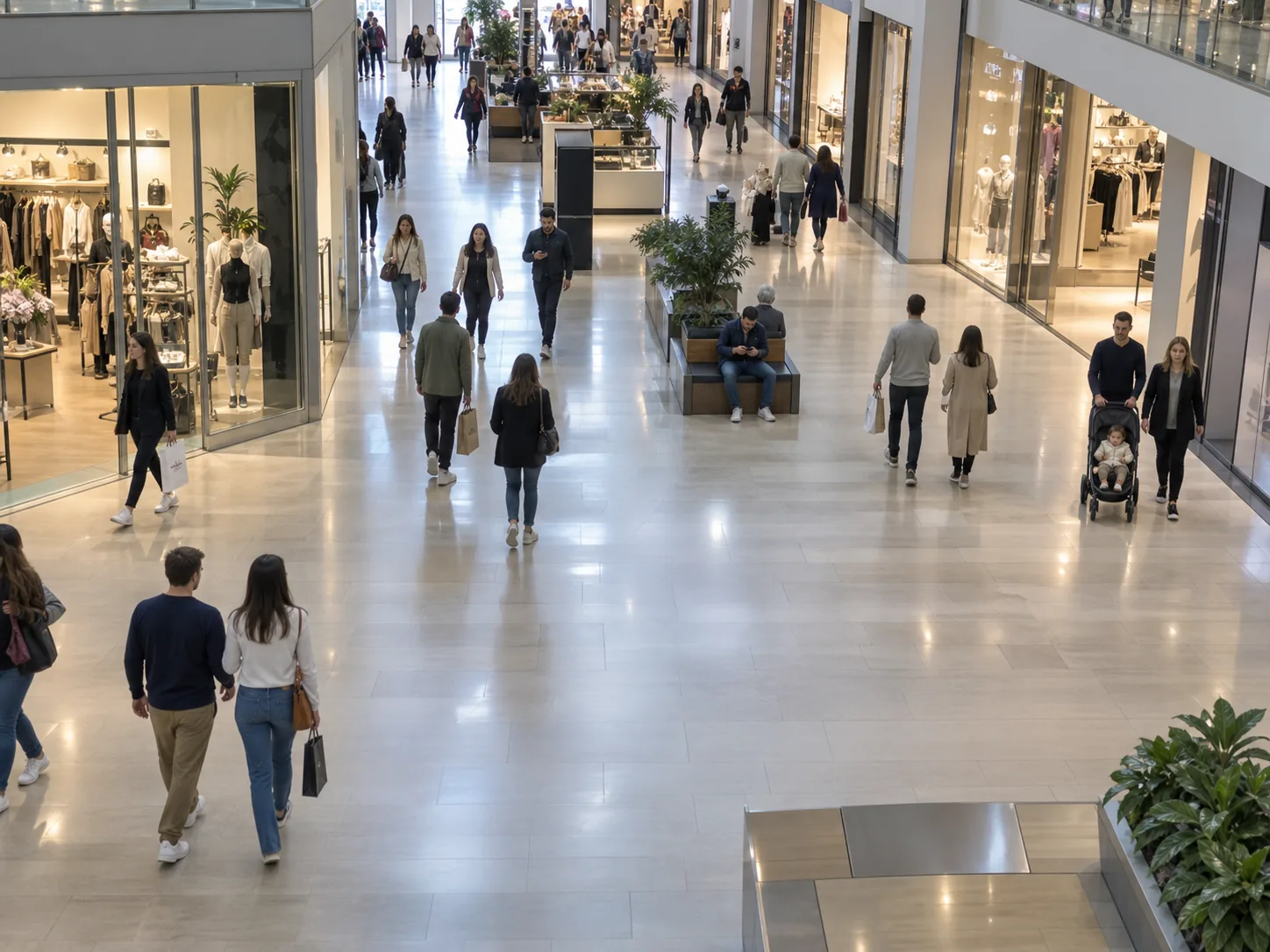
Elevated view of shoppers moving through a bright retail concourse.
Retail & public spaceFootfall, service and incident response
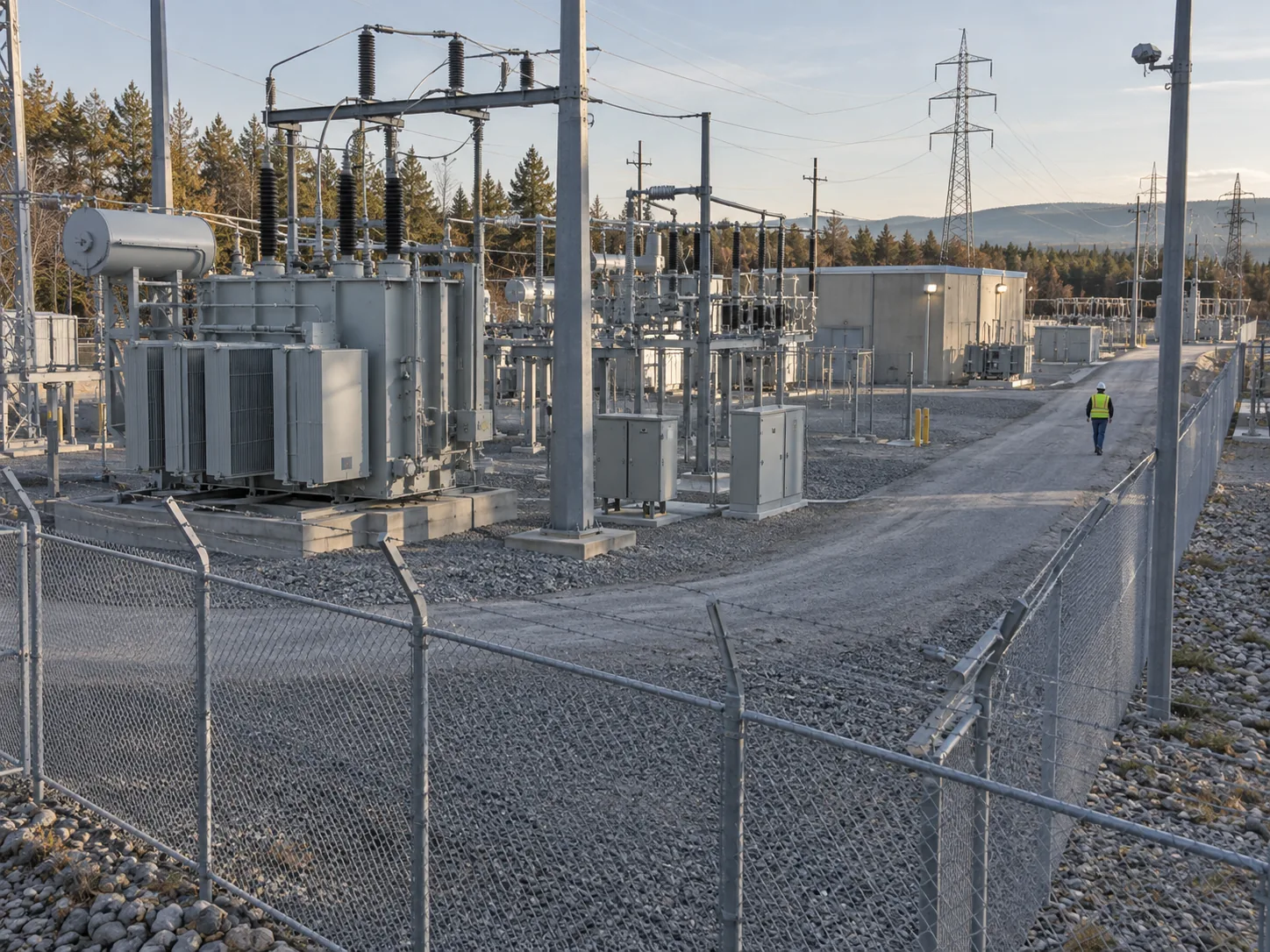
Secured electrical substation with utility equipment and an authorized worker.
Critical infrastructurePerimeters, remote sites and restricted areas

Deployment

Keep your cameras. Add the layer that reads them.

Four stages, and only the last one touches systems you already run. A pilot usually starts on a single zone.

  1. Your cameras

    Existing infrastructure

    • IP cameras already installed
    • Encoders behind analogue kit
    • Existing VMS keeps recording
  2. VisaRoxy runtime

    Edge, VPC, or managed cloud

    • Pulls streams over RTSP or ONVIF
    • Runs inference where you choose
    • Scales by adding workers, not sites
  3. Visual agents

    Named jobs per zone

    • Watch lists and thresholds
    • Schedules and operating hours
    • Escalation paths and owners
  4. Your systems

    Outbound only

    • Alerting and on-call tools
    • Ticketing and ITSM queues
    • Dashboards and data stores
No rip-and-replace

Works with the cameras and infrastructure a site already owns.

Private by design

Video is processed inside the environment you nominate, not shipped out by default.

Starts small, stays consistent

One zone and one agent is a valid pilot. The same architecture runs a multi-site estate.

Security and data

Video of people is sensitive. Treat it that way.

A vision platform sees staff, visitors and contractors. VisaRoxy is built so that the default is to keep video where it already is and to store events rather than everything.

  • Deploy on-premises, in your VPC, or in a managed tenancyInference runs where your security team agrees it should.
  • Role-based access with an audit trailEvery rule change, export and configuration edit is attributable.
  • Configurable retention per siteEvent records and short clips, not continuous recordings of every stream.
  • Privacy zonesChosen areas are excluded from analysis rather than masked after the fact.
  • Compliance is agreed per deploymentVisaRoxy does not hold or claim SOC 2, ISO 27001, HIPAA or GDPR certification.
Read how VisaRoxy handles video and data

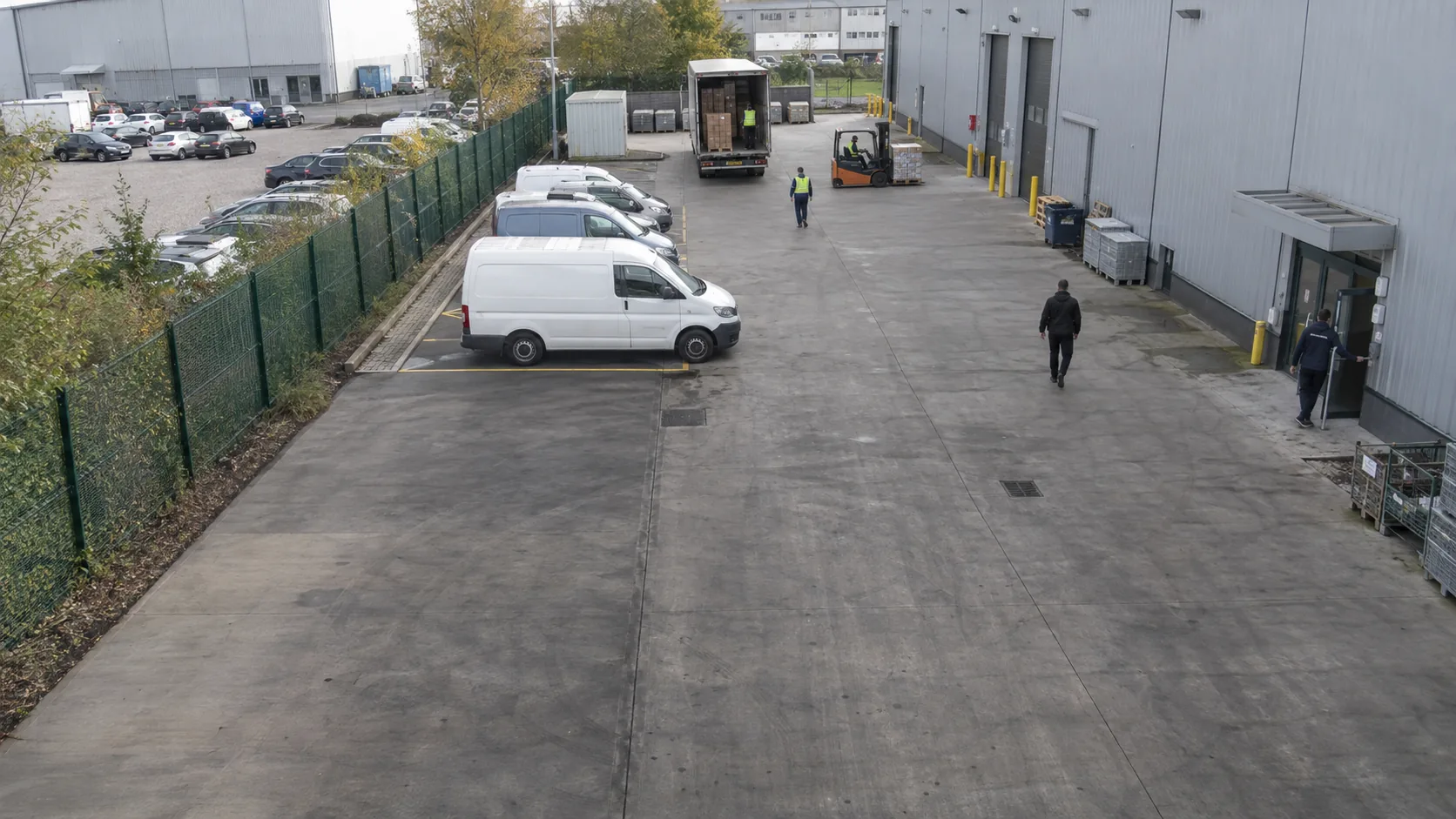
Camera 04 · Receiving

Privacy zones applied before inference

Analysing
Distribution centre apron with parked vehicles, staff entrance and an adjacent car park. Excluded · neighbouring yard Excluded · welfare entrance Analysed · dock apron

Retention

  • Events Kept for the site retention window Set per camera group
  • Clips Short window around each event only No continuous archive
  • Exports Attributed to a named user Written to the audit log

Illustrative interface with sample data.

Buying questions

The questions that come up first.

If yours is not here, bring it to the walkthrough. We would rather answer it against your own footage than in the abstract.

Book a live walkthrough
Do we have to replace our cameras?

No. VisaRoxy connects to IP cameras that already publish a video stream over RTSP or ONVIF. Cameras, mounts, switches and cabling stay as they are, and your existing VMS keeps recording exactly as it does today. Sites running older analogue equipment behind an encoder work the same way, because the encoder already produces a stream.

Where does the video get processed?

You choose. VisaRoxy can run on an edge appliance inside the site network, in a private cloud tenancy you control, or in a managed tenancy operated by VisaRoxy. Inference happens in the deployment you pick, and video does not have to leave your network for the platform to work.

How long does a first deployment take?

A pilot covers one site and one or two agents, and it runs in stages: a scoping session to choose the workflow, camera onboarding, rule configuration, then a review period where the agent's events are compared against your own footage before anything is switched on for live alerting. The review period is the part that decides whether the thresholds are right.

Do we need a data team to write the rules?

No. Operational rules are written as conditional sentences in the agent builder: when a condition is observed in a zone, for longer than a threshold, during a schedule, then run an action. A supervisor who knows the site can read and edit them without help from engineering. The platform supplies the object classes and the zone tools; your team supplies the operational judgement.

What happens to the video after an event?

VisaRoxy stores event records and the short clip around each event rather than continuous recordings of every stream. Retention windows are configured per site and per camera group, and privacy zones exclude chosen areas from analysis entirely, so the model never receives those pixels in the first place.

Which systems can VisaRoxy send an event to?

Events leave VisaRoxy through outbound webhooks and a REST API, so they can reach the alerting, ticketing, dashboard or VMS tools a site already uses. Specific connectors are scoped during a pilot, because the destination systems differ from site to site and we would rather build the one you need than claim a catalogue.

How is this priced?

VisaRoxy is sold on three published plans: a fixed-scope pilot, a per-site plan for live alerting, and an estate plan for organisations running five sites or more. The figure depends on how many streams you want analysed, where inference runs, and how many agents are in play, so a written quote after a scoping session confirms the number for your site. See pricing.

Put your cameras to work.

Show us one workflow that costs you time today. We will walk through your own footage and show what a VisaRoxy agent would have reported.